SeeWith
Understand more of what you're watching.
SeeWith is an AI-powered companion for long-form videos and podcasts. It follows the conversation and surfaces relevant context, people, places, images and sources while you watch, so you can understand references without constantly stopping to search for them.
SeeWith is open for sign-up. Sign in with Google to create your account. Running SeeWith on a video needs an active plan.
How it works
Three steps, no setup
Open a supported long-form YouTube video.
Paste the link. SeeWith plays the video with the official YouTube player, inside the app.
Start SeeWith.
Nothing is analysed until you press Start. From then on, SeeWith follows the playback position.
Watch while contextual information updates alongside the conversation.
The current topic, a visual, people, places, key ideas and sources appear beside the video and change as the conversation moves on. A timeline records each topic so you can jump back to it.
- Context cards are AI-generated and can be wrong. SeeWith does not fact-check and does not claim perfect accuracy.
- SeeWith works with YouTube videos that have a transcript available. It is a companion beside the video, not a chat assistant and not a replacement for YouTube.
See it in action
A short walkthrough of the interface
A 56-second walkthrough of the real SeeWith interface, recorded with sample content: the video area is a placeholder and the cards are fixture data, so no real video, provider result or personal data appears.
The interface
What you see while you watch
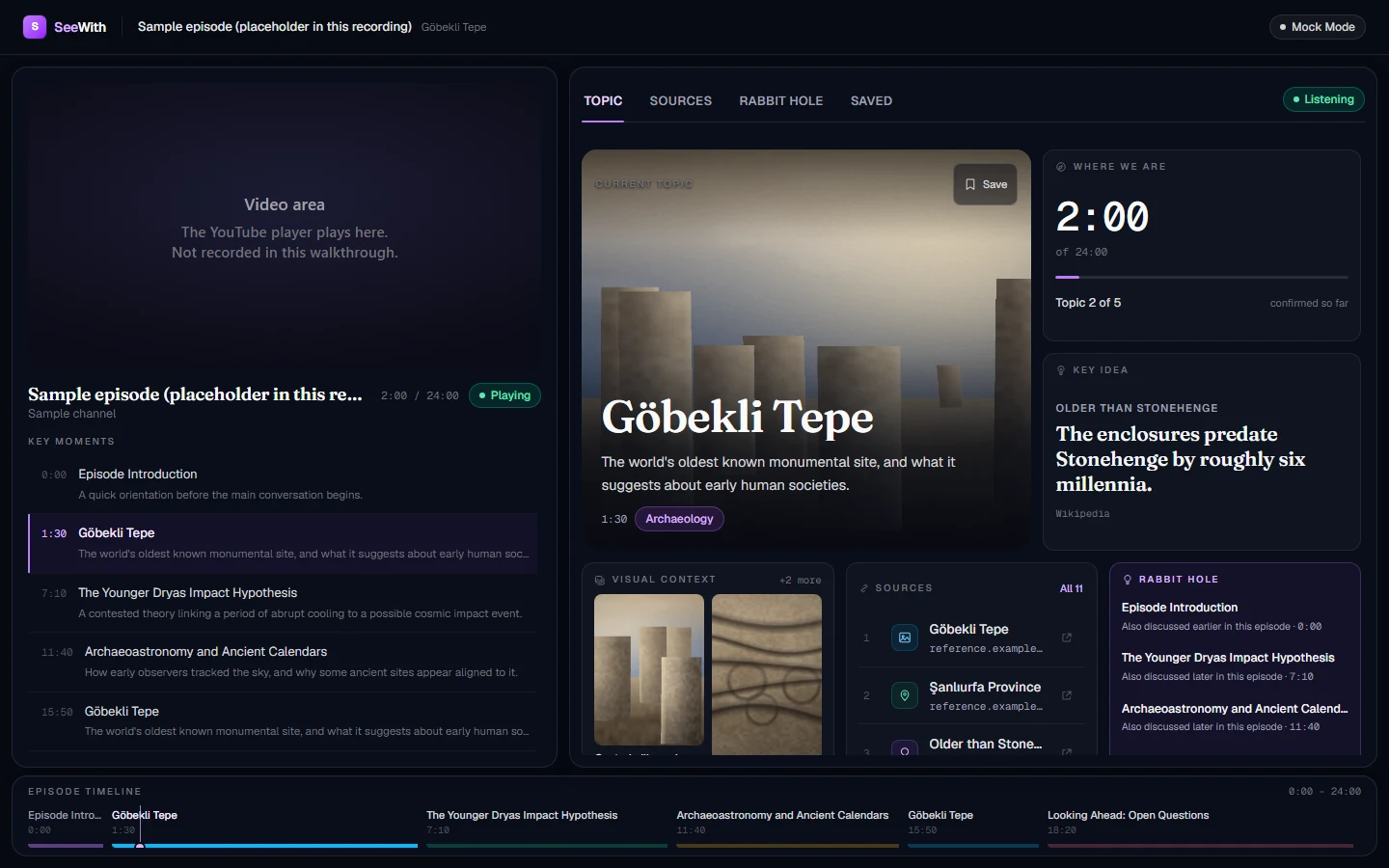
The Topic view, with the episode timeline below the workspace. 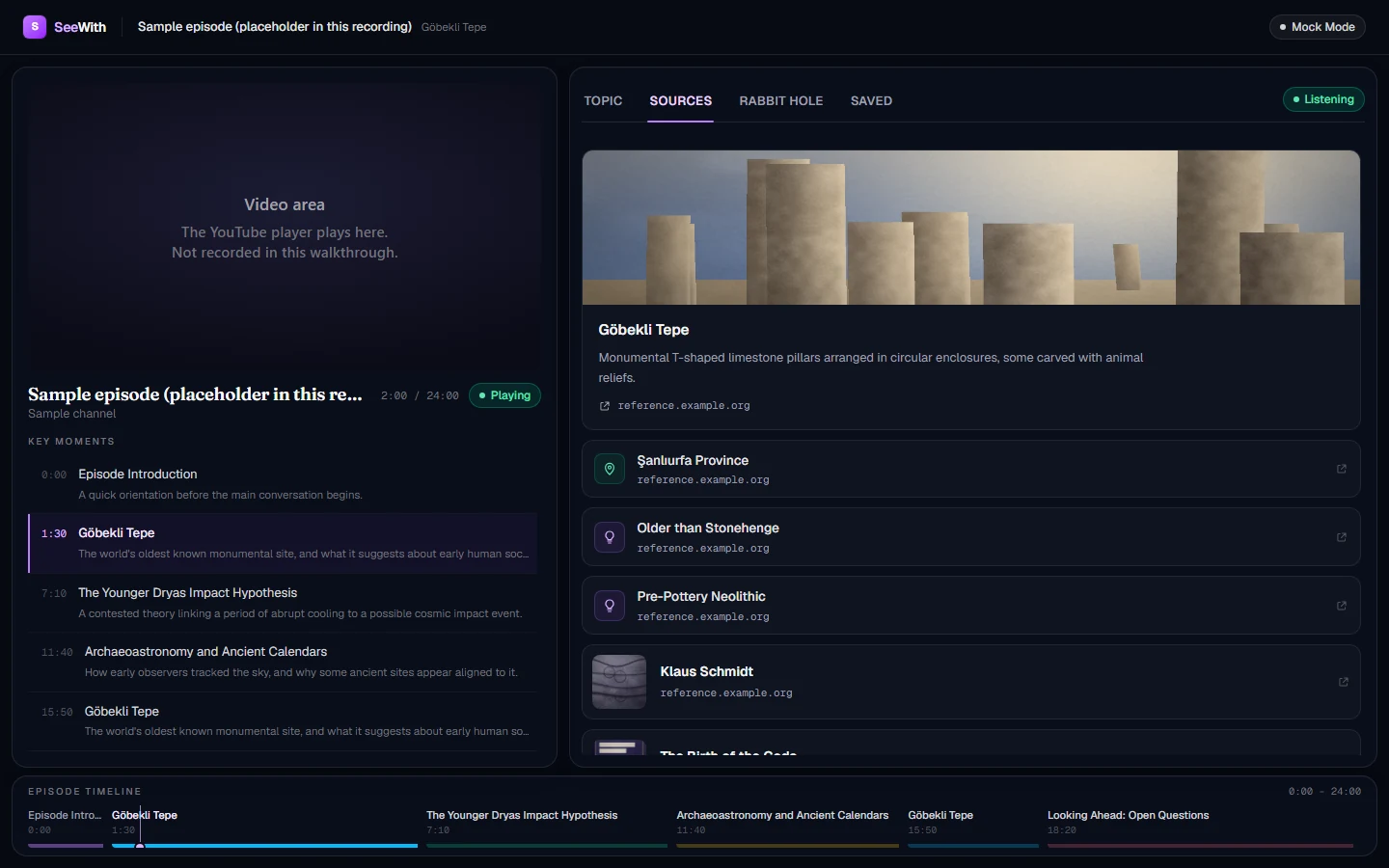
Sources: every reference behind the context, attributed and linked. 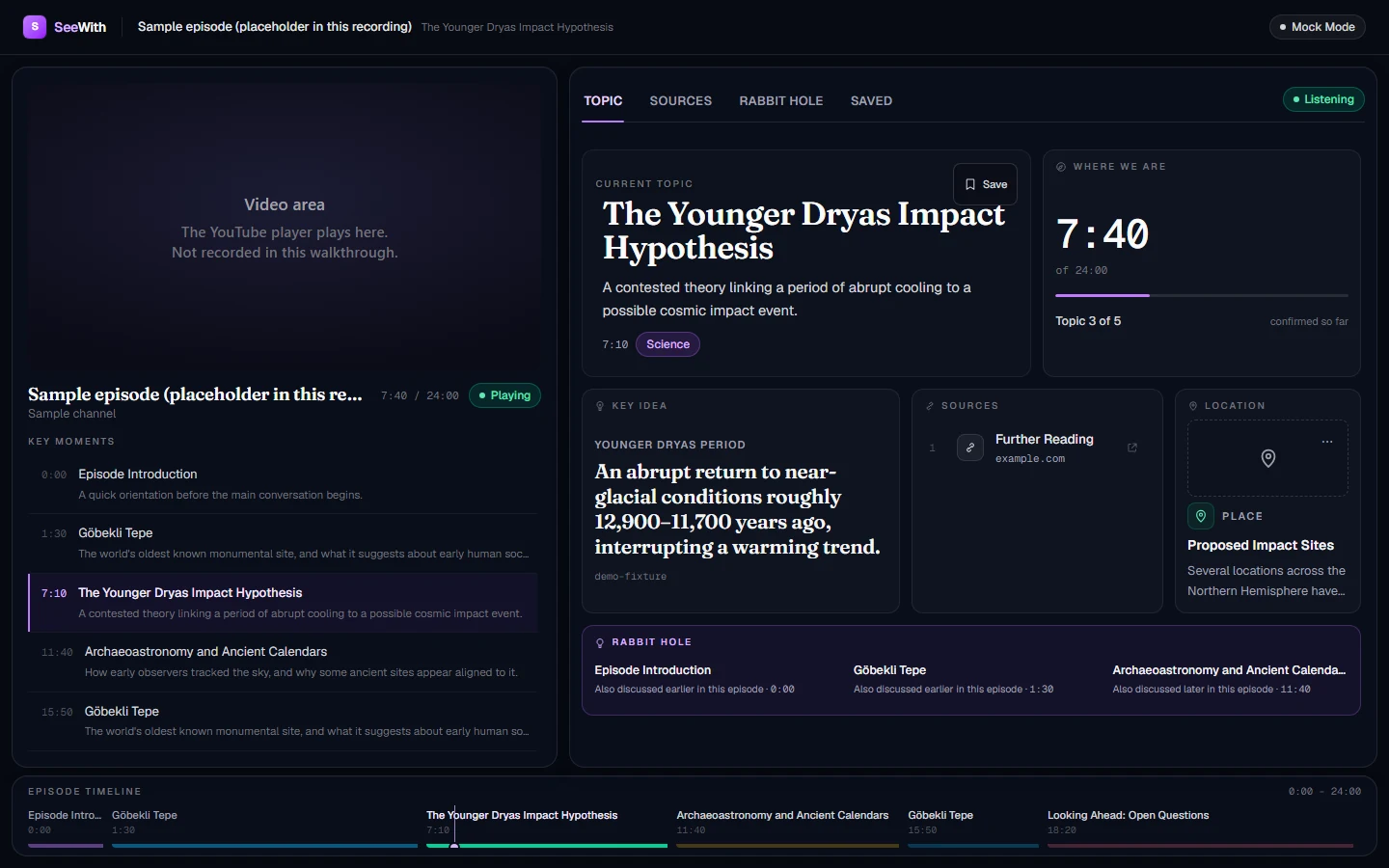
When a topic has no imagery, the layout reflows to text rather than showing empty frames. 
On a phone the video stays pinned while the context scrolls beneath it.
Interface shown with sample content. The images, titles and links in these captures are fixture data from the SeeWith repository, not real provider results.
Pricing
Launch plans
Core
€14.99 / month
8 companion hours per monthly billing period
Plus
€32.99 / month
20 companion hours per monthly billing period
- Both are recurring monthly subscription plans.
- Prices include VAT.
Nothing is sold on this page: you choose a plan from your account page after you sign in.
Ready to start?
Sign in